


6 Ways Google Photos’ New AI Tools Will Transform Your Photo Editing
Google Photos Adds Powerful New AI Features: Edit, Create, and Search Your Memories with Ease
Google Photos has already been a helpful tool for organizing and enhancing your memories. You can edit pictures with quick prompts, generate creative styles, or even search using everyday language. Now, Google is taking things to the next level by introducing a new collection of advanced AI features powered by Gemini’s top image model, Nano Banana.
These upgrades make editing, designing, and exploring your photo library easier and smarter than ever. Here are the six biggest improvements now available in Google Photos.
1. Fix Any Photo Using Natural Language
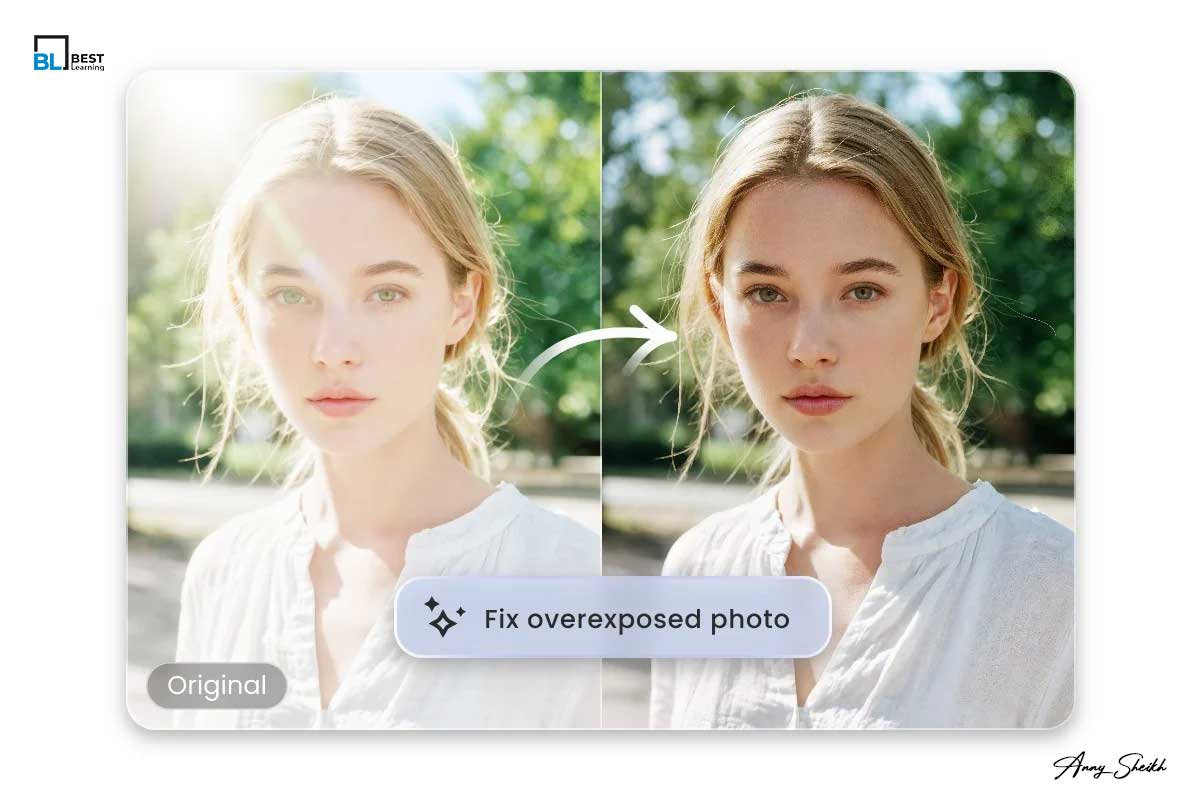
We’ve all captured great photos that were ruined by one small detail—closed eyes, a missing smile, or sunglasses at the wrong time. Google Photos can now correct these mistakes instantly.
All you need to do is open the picture, tap “Help me edit,” and describe what you want:
-
“Remove the sunglasses.”
-
“Open my eyes.”
-
“Make her smile.”
Google uses your private face groups to make realistic, custom edits based on your own photo history. These changes look natural because the AI understands your facial expressions and personal visual style.
2. Edit Images Just by Asking — Now on iOS

Gone are the days of dragging sliders or mastering complicated tools. You can now edit your images using simple voice or text commands.
This feature is now rolling out for iOS users in the U.S., allowing them to describe edits like:
-
“Make the sky brighter.”
-
“Enhance the colors.”
-
“Sharpen the details.”
The redesigned editor also includes one-tap adjustments and smooth gesture controls, making the editing experience fast and beginner-friendly.
3. Restyle Your Photos with Nano Banana

Google has finally integrated the powerful Nano Banana AI model directly into the Photos editor. This feature allows you to transform any image into a completely new artistic style.
Just write what you want, such as:
-
“Turn this into a Renaissance painting.”
-
“Make it look like a colorful mosaic.”
-
“Create an image that looks like a children’s storybook.”
Tap “Help me edit,” describe your vision, and watch AI turn your photo into a creative artwork within seconds.
4. Use AI Templates to Reimagine Your Photos

Not everyone enjoys writing prompts. That’s why Google added a “Create with AI” section on Android for users in the U.S. and India.
This includes pre-made AI templates such as:
-
“Generate a professional headshot.”
-
“Put me in a fashion photoshoot.”
-
“Turn this into a holiday card.”
Soon, Google will launch personalized templates in the U.S. These will use information from your photo gallery—including hobbies, travel history, and personal style—to recommend custom AI creations like:
-
“Make a cartoon version of me based on my interests.”
5. Ask Photos Now Available in 100+ Countries

Ask Photos is one of Google’s most helpful features. Instead of scrolling endlessly, you can simply type or speak a request:
-
“Show photos from my Dubai trip.”
-
“Find pictures of my dog from 2022.”
-
“Show all images with red outfits.”
This feature is now expanding to over 100 countries along with support for 17 new languages, making photo searching easier and more natural for millions of users worldwide.
6. Explore More with the New “Ask” Button

Google Photos now includes an Ask button that gives deeper insights into the picture you’re currently viewing. Tap it to start a chat about that specific photo.
You can request details, ask for similar images, or instantly edit the picture.
Examples:
-
“Brighten this photo.”
-
“Show me more pictures from this event.”
-
“Find other images with these people.”
This turns Google Photos into a smart assistant that helps you discover, organize, and redesign your memories in seconds.
A Smarter Future for Your Memories
These new AI features are rolling out globally, giving users more control, more creativity, and much faster editing tools. With Gemini and Nano Banana powering the next generation of Google Photos, managing memories has never been this simple or enjoyable.
FAQs
1. What is Nano Banana in Google Photos?
Nano Banana is Google’s latest AI model for creative image editing. It powers advanced restyling options like portrait painting, artistic effects, and visual transformations.
2. Is Ask Photos available worldwide?
Ask Photos is expanding to more than 100 countries and adding support for 17 new languages.
3. Can iOS users access these new AI features?
Yes. The natural language editing tools and updated editor are rolling out to iOS users in the United States.
4. What are AI templates in Google Photos?
AI templates are ready-made prompts that help you create professional, fun, or artistic images without typing your own instructions.
5. Are my photos secure when using AI tools?
Yes. Google processes edits using your private face groups, which are stored safely in your personal account and not shared publicly.












Leave a Reply